Instagram Saved Posts Are Not Searchable. That's a Feature, Not a Bug.
Instagram gave you a save button in 2016.
Eight years later, they still haven't given you a way to find what you saved.
This is a company with 2.14 billion monthly active users, $50 billion in annual ad revenue, and some of the best machine learning engineers alive. They built an algorithm that can predict what you'll watch next with eerie accuracy. They can identify your face across a decade of photos. They can transcribe audio, classify images, understand video content, and serve you a personalized feed every single time you open the app.
They cannot give you a search bar inside the Saved tab.
Or rather: they won't.
The anatomy of a missing feature
Let's be precise about what's missing.
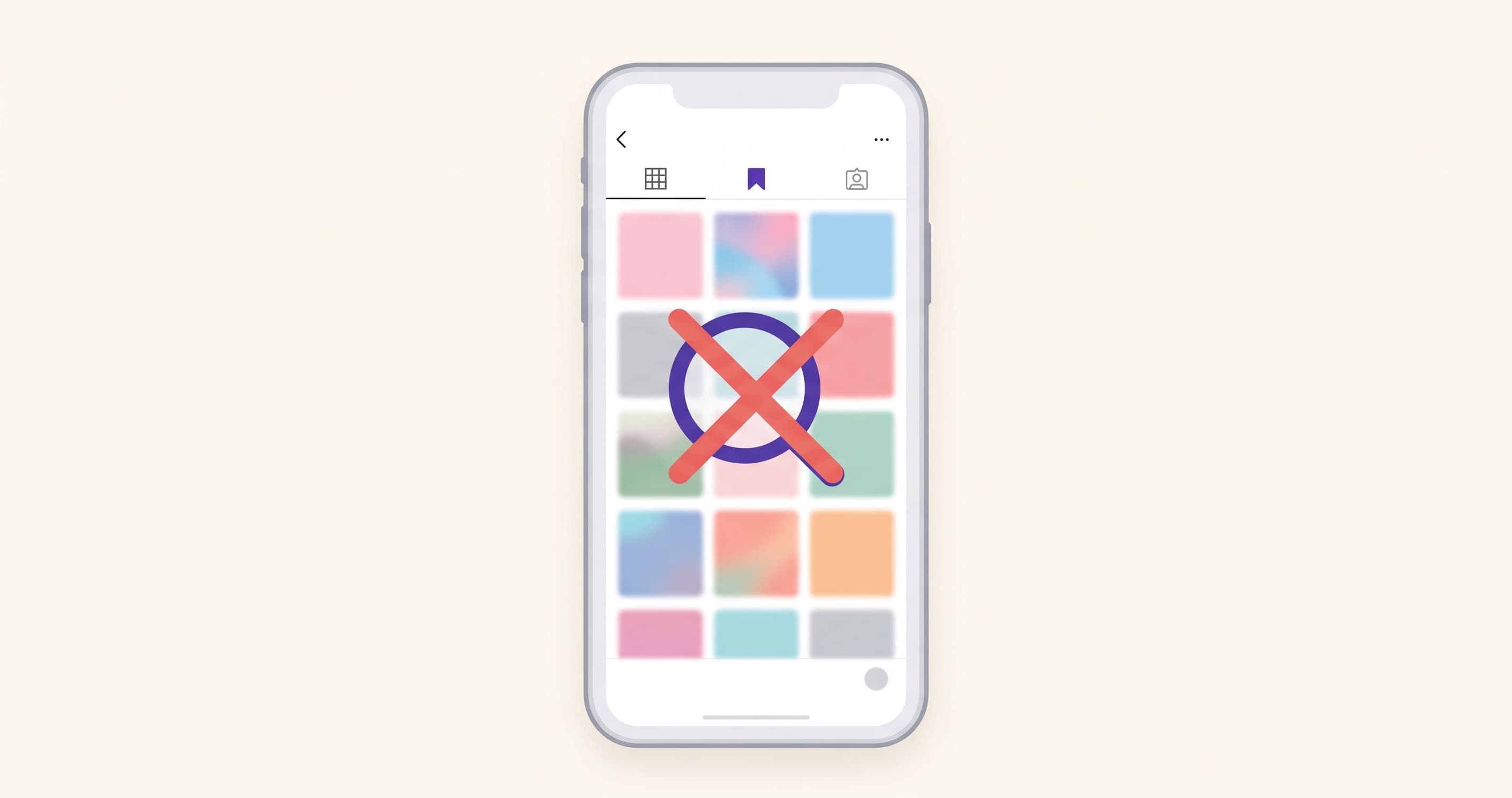
As of August 2026, Instagram's Saved tab has:
- A reverse-chronological grid of thumbnails
- A "+ New Collection" button
- Nothing else
No search field. No sort. No filter by date, account, topic, or content type. No way to search by caption text, hashtag, or what's visible in the image. No way to search by what someone said in a Reel. Instagram's powerful Explore search can scan billions of public posts by keyword — but that same search engine is locked out of your private saves.
The only control you have is scrolling.
If you saved a pasta recipe three months ago and want to find it now, your options inside Instagram are: scroll through every thumbnail until you recognize it, hope you filed it in a Collection (and remember which one), or give up and Google "lemon pasta recipe" instead.
A product designer at a Fortune 10 company chose this. Eight years in a row.
What a save actually is (and who it's actually for)
Here's what happens when you tap that bookmark icon:
Instagram writes a record: this account flagged this post. That record does two things.
First, it feeds the algorithm. A save is one of Instagram's highest-value engagement signals. In 2026, saves carry approximately 3x the algorithmic weight of a like. When you save a post, you're telling Instagram's recommendation engine: "I found this valuable enough to want later." That signal refines your interest model and helps Instagram serve you (and people like you) more content you'll engage with. The save is data. For Instagram.
Adam Mosseri confirmed publicly that watch time, likes per reach, and sends per reach (DM shares) are the three most important ranking signals. Saves sit just below that tier. They're a "utility signal" — proof that content has lasting value. This signal drives content distribution, which drives time spent on app, which drives ad impressions.
Second, it stores a pointer. Not the content. Not the caption. Not the audio. A pointer. A reference that says "post ID 2847193047120" exists. That pointer resolves to the original post every time you open your Saved tab. If the original disappears — creator deletes it, goes private, gets banned — your pointer resolves to nothing. Your save becomes a dead thumbnail that says "This content is no longer available."
The save button was designed to capture a signal. Not to build you a library.
Why search would hurt Instagram's numbers
This is where it gets uncomfortable.
A save-and-search system that actually works means users find what they need and leave. They get the recipe, close the app, and make dinner. They find the product link, buy it, done. They retrieve the restaurant name, make a reservation, put the phone down.
Every successful retrieval is a session that ends.
Instagram's business model runs on sessions that don't end. Time spent in the app equals ad impressions. Ad impressions equal revenue. The longer you scroll — through your feed, through Explore, through your Saved tab looking for that one post — the more ads you see.
A broken Saved tab is not a lost opportunity for Instagram. It's a feature that keeps you scrolling.
When you can't find the post you saved, you don't close Instagram. You keep looking. You scroll through your saves. You give up on your saves and go back to the feed. You search in Explore — which shows you public posts you've never seen, alongside ads. You stay. You keep scrolling. Instagram wins.
This isn't a conspiracy theory. It's a business model. The platforms that make saving frictionless and retrieval painful are the same platforms that sell your attention by the minute.
As one product analysis put it: "The retrieval experience being poor keeps users scrolling in search of the content they saved rather than finding it and leaving. The absence of search inside saved content is not an oversight. It is a feature choice that serves the platform's engagement metrics at the expense of the user's time."
The platforms audit: everyone does this
Instagram isn't alone. As of August 2026:
| Platform | Save feature | Search inside saves? |
|---|---|---|
| Saved tab + Collections | No | |
| TikTok | Favourites + Playlists | No |
| X (Twitter) | Bookmarks | No (without Premium) |
| YouTube | Watch Later / Playlists | No keyword search |
| Saved Posts | No | |
| Saved Items | No |
Six of the largest content platforms on earth. All of them let you save. None of them let you search what you saved. This is not six independent engineering teams who all forgot the same feature. It's six companies who all reached the same conclusion: search helps users leave.
The save button exists on every platform because it generates a signal the algorithm needs. The search bar doesn't exist because it generates an outcome the business model doesn't want.
The psychological trick you didn't notice
There's a subtler thing happening. When you save a post, you get a small sense of completion. Psychologists call this the intention-as-completion effect — the act of forming a plan can feel identical to carrying it out.
Saving the recipe feels like you've already made progress toward cooking it. Saving the workout routine feels like you've already worked out. Saving the apartment listing feels like you've already started your search. The bookmark satisfies the urge to act.
This means you're less likely to go back and use the content — which means you're less likely to leave the app for the saved content's sake — which means you stay on the feed longer.
Instagram gets the signal it needs (you valued this content) and the outcome it wants (you didn't leave to go act on it). The save button is a two-way gift to the algorithm.
Meanwhile, your Saved tab grows. Three months in, it's 200 posts. Six months, 400. A year, 700+. Each save you can't find makes the next one less likely to ever be retrieved. The graveyard fills itself.
What a search bar would actually require
Let's say Instagram woke up tomorrow and decided to build search. What would it take?
Technically? Almost nothing they don't already have.
Instagram already indexes captions for its public Explore search. It already has computer vision models that classify image content (that's how they power Explore recommendations). It already transcribes Reels audio for auto-captions. It already understands the semantic meaning of posts well enough to recommend them to strangers.
All of that intelligence exists. It's just pointed outward — at discovery, at recommendations, at serving content to new audiences. Pointing it inward — at your own saves, for your own retrieval — would be a product decision, not an engineering challenge.
The hard part isn't building search. The hard part is deciding it's worth the sessions it would shorten.
What you can do right now (inside Instagram)
Before we talk about external tools, here's what you can do within Instagram itself. These are limited, but free:
Use Collections aggressively. When you save a post, long-press the bookmark and file it into a named collection. Keep collection names action-based: "Cook this week," "Try this outfit," "Apartment inspo." Not category-based (those get too large to browse). It won't give you search, but it cuts the scrolling space significantly.
Use the DM-to-self workaround. Send posts you want to remember to yourself via DM. Instagram DMs have a search function. You can search by text you've typed in the chat. So if you DM yourself a reel with the message "lemon pasta recipe," you can later search your DMs for "lemon pasta." It's manual tagging with extra steps, but it works.
Search in Explore and re-find. If you remember any specific detail — the creator's name, a word from the caption, the hashtag — use Instagram's main search to find the post again publicly. This only works if the post is still public and still live.
Export your data. Instagram lets you request a data download that includes your saved posts list. It won't give you searchable content, but it gives you a backup of the post URLs before they die.
What exists outside Instagram
A handful of tools have been built to solve this exact problem. They differ in how they capture saves and how they handle retrieval:
Share-sheet apps (Sorti, Stasht, ARCHV). These work through the iOS/Android share sheet. When you find a post on Instagram, you tap Share, pick the app, and it saves the content with AI categorization. They give you visual organization, categories, and in some cases keyword search. The trade-off: you're adding 2-3 taps to every save (Share → pick app → confirm), and you're managing a separate app.
Browser extensions (SavedFlow). These work on desktop Instagram, giving you search, collections, and organization within the browser. They're local-only (your saves live on your device) and limited to desktop use. They can't capture content from mobile, which is where most saving happens.
WhatsApp/chat-based tools (Pell, MarkIt, Keepi). These work by forwarding or sharing content to a chat contact. The save gesture is sending a message — identical to sharing a post with a friend. The retrieval is asking the contact for it back.
The key differentiator isn't which tool is "best." It's which capture gesture you'll actually maintain. A tool you use for two weeks and abandon is worse than no tool at all.
How Pell fits this
Pell takes the approach that works inside Instagram's own interface.
When you find a post worth keeping, you tap Share and send it to @pell.chat via DM. The exact same gesture as sharing a post with a friend. No app switch, no share sheet, no account creation. If you know how to send a DM, you already know how to use Pell.
Pell reads the content — caption, audio from Reels, text visible on screen, visual content — and indexes everything by meaning. Not by keyword. By what the content is about.
Later, you DM Pell and describe what you're looking for:
"That pasta recipe with the anchovies." "The apartment with the blue couch." "What was that skin routine from the girl with the freckles?"
Pell sends back the original post with the relevant details. Not a summary, not a paraphrase — the actual content you saved, quoted back to you.
The difference from other tools:
- No app install. Pell lives inside Instagram DMs. You don't download anything.
- No account. No email, no signup, no password. Just DM.
- Same gesture you already know. Sharing to a friend = saving to Pell.
- Works by description, not keywords. "That chicken thing" works. You don't need to remember exact caption text.
- Free, no save limit. No 40-per-month cap. No premium tier for search.
It also works on WhatsApp, so if someone sends you an Instagram link in a WhatsApp group, you can forward it to Pell there too. Same memory, both platforms.
What Pell doesn't do: There's no web dashboard yet (coming soon), no visual grid of your saves, and no way to browse everything at once. You ask for specific things and get specific answers. If you want to sit down and scroll through a visual library of everything you've ever saved, Pell isn't built for that (yet). For visual browsing, tools like Sorti or Stasht handle that workflow better right now.
The real question
Instagram could build search inside Saved tomorrow. They have the models, the infrastructure, and eight years of user feedback demanding it. They choose not to, because search shortens sessions, and sessions are what they sell.
That's not going to change. Instagram's incentives are structural. No amount of user feedback will overcome an incentive that's baked into the revenue model.
So the question isn't "will Instagram fix this?" The question is: do you keep saving into a system that's designed to make finding hard? Or do you save into something that's designed to give it back?
On Instagram: DM @pell.chat to start saving posts you'll actually find again.
On WhatsApp: message Pell for links, voice notes, photos, and everything else.
No app. No account. Just text.
Frequently asked questions
Why can't I search my saved posts on Instagram? Instagram does not provide a search bar, sort function, or filter inside the Saved tab. As of August 2026, the only way to find a specific saved post is to scroll through your saves chronologically or browse individual Collections. Instagram's main search searches all public content, but cannot be filtered to your own saves.
Will Instagram ever add search to saved posts? There's no indication from Meta or Adam Mosseri that search within Saved is planned. The feature has been requested by users for years. Instagram has the technical capability (they already index content for Explore recommendations) but has chosen not to apply it to the Saved tab. The likely reason is that efficient retrieval reduces time spent on the platform.
Do saved Instagram posts disappear? Yes. Instagram saves are pointers to the original post, not copies. If the creator deletes the post, deactivates their account, or switches to private, your save becomes inaccessible. The thumbnail may remain in your grid, but tapping it shows "Content no longer available." Instagram does not archive the content on the viewer's behalf.
How many posts do people typically save on Instagram? There's no official average, but user research suggests active Instagram users accumulate 300-800+ saved posts within a year. With no search and no sorting, the Saved tab becomes effectively unusable for retrieval once you pass a few hundred items.
Is there a way to search saved posts without installing an app? Yes. Pell works inside Instagram DMs — you share posts to @pell.chat the same way you'd share with a friend, and retrieve them by sending a description. No app install, no account creation, no setup. Alternatively, you can DM posts to yourself with descriptive text and use Instagram's DM search to find them later (though this requires manual tagging at save time).
Why does Instagram weight saves so heavily in the algorithm? Because a save signals high-intent engagement. Unlike a like (which takes half a second and signals mild approval), a save means the user found the content valuable enough to want it again. This signal helps Instagram's recommendation engine identify content with lasting utility, which it then distributes to similar users — driving more time spent on the platform and more ad impressions.