Your Notes App Has 4,000 Untitled Notes. That's Not Organization.
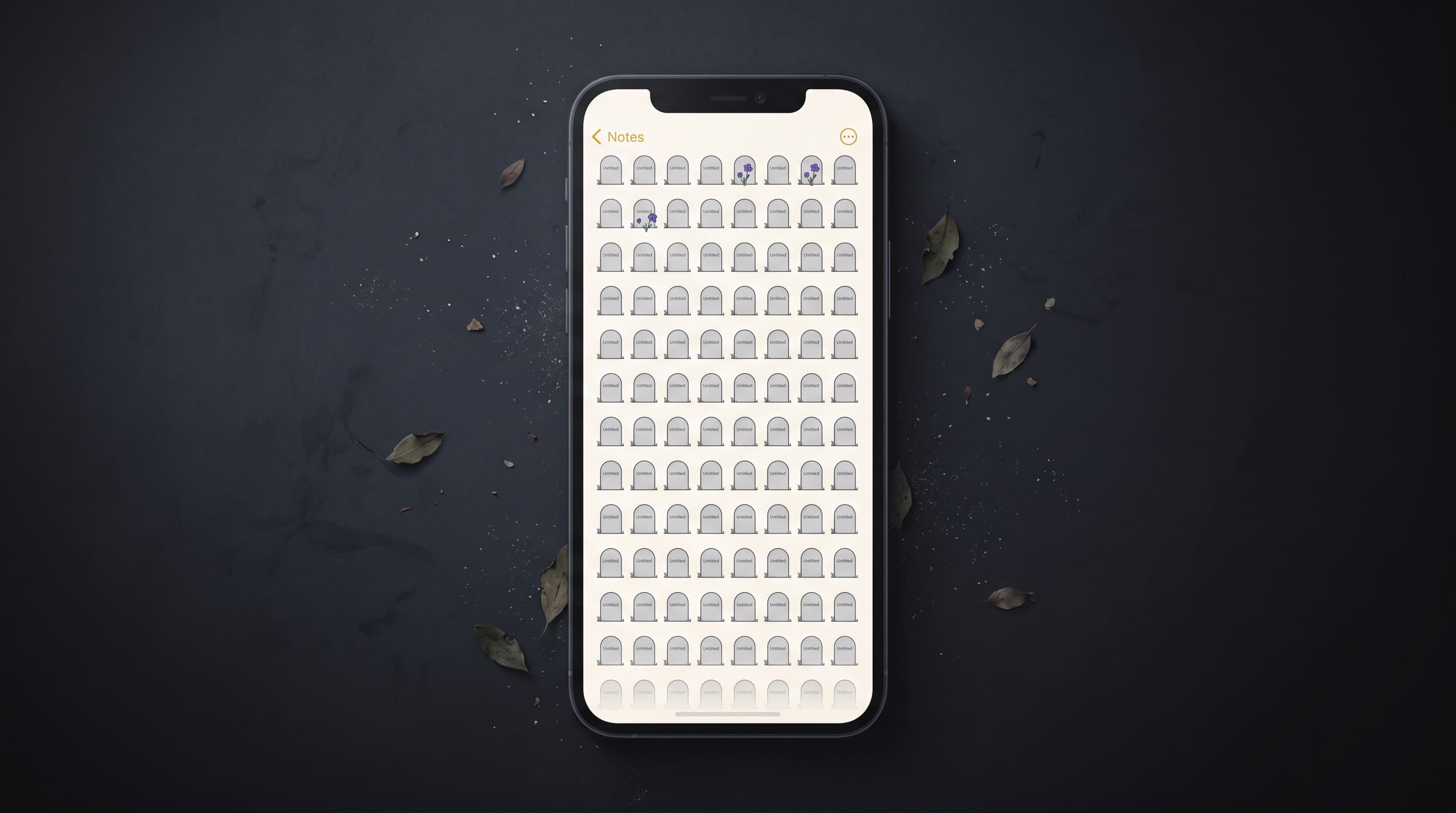
Let's be honest about what happened.
You opened Apple Notes. Or Google Keep. Or Notion. Or whatever. You typed a thought. You hit save. You didn't title it. You didn't pick a folder. You just... typed.
And now, months or years later, you have a thousand untitled notes sitting in a flat list that you will never scroll through, never organize, and never find anything in.
This isn't a personal failing. It's a design failure. And it's universal.
Someone recently documented decluttering 4,000 Apple Notes. Four thousand. Their confession: "The problem was not that I had too many notes. It was that I had never decided what the system was supposed to do." A Tom's Guide writer asked ChatGPT to fix their Notes app and the first recommendation was to build a "dashboard note" — essentially admitting the app itself can't navigate its own content.
The notes app graveyard isn't a power-user problem. It's an everyone problem.
Why every organizing method fails
Folders fail because deciding where something "belongs" requires a decision at save time. The whole reason you're using notes is that you want to capture a thought with zero friction. Adding a folder decision adds friction. So you skip it. The note goes to the root. The root grows. The root becomes the graveyard.
Tags fail because consistency requires memory. Did you tag recipes "food" or "cooking" or "recipes"? Was it "work" or "job" or your company name? Three months in, you have forty tags that overlap and a search that returns noise.
Titles fail because naming requires you to know what a note is at the moment you create it. Most notes start as fragments — a thought, a number, a phrase. They don't have titles yet. By the time they could have a title, you've moved on and forgotten the note exists.
Smart folders fail because they're just saved searches, and the underlying content isn't named or tagged consistently enough for any search to be comprehensive.
Every organizing system asks you to make decisions at the moment of capture. The moment of capture is precisely when you have the least mental bandwidth for organizational decisions. You're in the middle of something. You have a thought. You want it out of your head. Deciding "where does this go" is the exact cognitive tax that made you choose a notes app over a filing cabinet in the first place.
The uncomfortable truth
Here it is: notes apps are not memory tools. They're dumping grounds.
They are optimized for input. Getting text into the app is effortless. Getting text out — finding a specific note when you need it — is an afterthought.
Apple Notes has search. But search requires you to remember the exact words you used. Did you type "pasta" or "carbonara" or "the thing with anchovies"? Keyword search fails when you describe things differently than how you stored them.
Google Keep has labels and colors. But a grid of 200 identically-sized cards in seven colors is not "organized." It's a mosaic. A pretty graveyard.
Notion has databases and relations and views. But you and I both know that 80% of Notion users have an elaborate template they set up once, used for two weeks, and abandoned.
The tool isn't the problem. The model is. Any tool that requires organization at save time will fail, because humans don't organize in the moment of capture. They capture and move on. That's the whole point.
What actually works
The fix isn't better organization. It's no organization.
It's a system that says: dump everything. Don't title it. Don't tag it. Don't file it. Don't think about it.
And then, when you need something back — when you're standing in a kitchen, sitting at a desk, walking through a parking garage — you describe what you're looking for in plain language, and the system finds it.
Not by keyword. Not by folder path. Not by date. By meaning.
"The Wi-Fi password from the Airbnb." "That idea I had about the newsletter." "The grocery list from Saturday." "What was the gate code?"
This is how human memory works. You don't retrieve memories by navigating a folder structure in your brain. You retrieve them by association, by context, by a vague description that triggers the right recall.
Your external memory should work the same way.
The minimum viable system
Pell is built on this principle. You text it. That's the save. No title, no folder, no tag. Just send the thought the way you'd text yourself — but to a contact that can find it again.
On WhatsApp. On Instagram. Same habit as texting yourself, same zero friction, but the other end actually remembers what you said and can give it back when you describe it.
No app to download. No system to set up. No folders to maintain. No titles to write.
Just text, forget, and ask when you need it.
That's it. That's the whole manifesto.
No app. No account. Just text.